How-to
Zoom integration with HRStop Hire
HRStop Hire makes the hiring process faster, better & more efficient, so you can build the team best suited to your requirements.
With HRStop Hire, you can quickly schedule Zoom interviews for your candidates.
Follow the steps below to enable this in your account:
Log in as an admin
- Navigate to your company's hiring portal and click the "Login to app" link at the bottom.

- Enter your credentials to log in to your account.

- Click "Settings".

- Click the "Integrations" link.

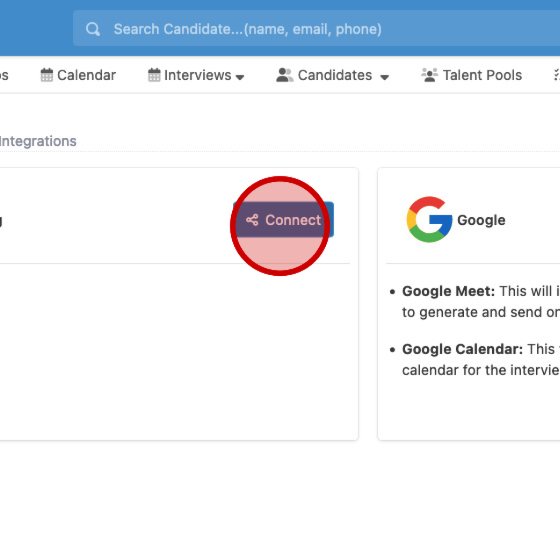
- Under the Zoom section, click "Connect".
- You are taken to the Zoom portal to authenticate your account and give access to HRStop Hire.

- Once you allow access, the integration is complete.